What Is Python?
What Python is, how the interpreter runs your code, and where the language is used.
What Python is
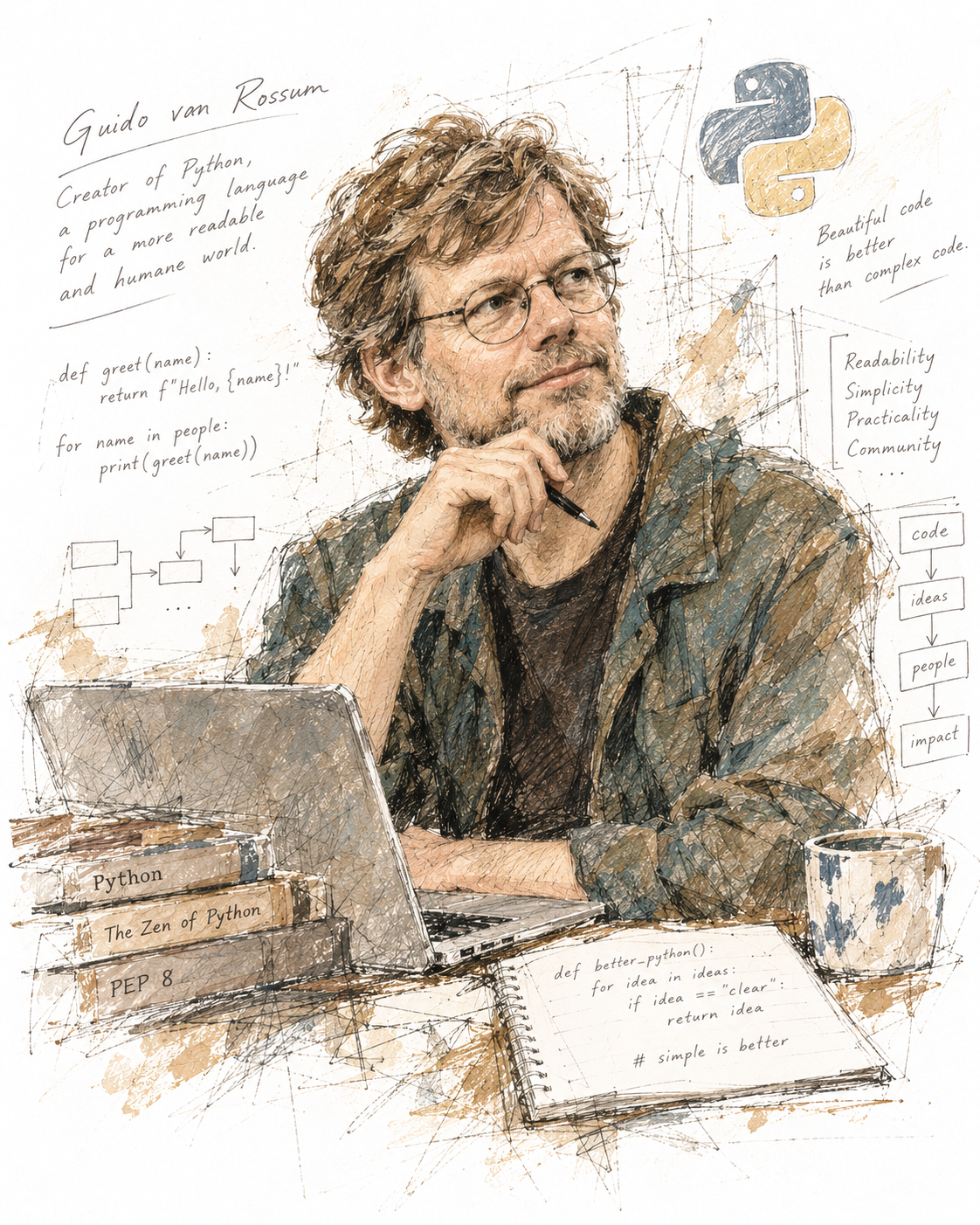
Python is a general-purpose programming language: it is not tied to one kind of task, such as web pages or databases. It is high-level, which means it hides details of the machine — you never manage memory or CPU registers yourself. Its design puts readability first: Python code uses English keywords and very little punctuation, so a program often reads like a description of what it does.
Guido van Rossum started Python in the late 1980s and released the first version in 1991. The name comes from the British comedy group Monty Python, not from the snake. Today the language is developed in the open by the core developers and a large community of volunteers, supported by the nonprofit Python Software Foundation.
Python 3
All current Python is Python 3. Its predecessor,
Python 2, reached its end of life on January 1, 2020, and is no
longer maintained. The two are not fully compatible — in Python 2,
print was a statement rather than a function, for
example — so code and tutorials written for Python 2 often fail on
Python 3. A new version of Python 3 appears every October; this
encyclopedia assumes Python 3.12 or later.
How Python runs your code
A program starts as source code:
plain text that a person writes, saved in a file ending in
.py. A processor cannot execute that text directly.
Something has to translate it, and there are two classic approaches.
- A compiler translates the whole program in advance into machine code, a separate file the processor runs directly. C and Go work this way.
- An interpreter reads the program and carries it out step by step while it runs, without producing a standalone program.
Python is usually called an interpreted language, and that is what you should answer on an exam. Under the hood, the standard interpreter works in two steps:
- It compiles the source code into bytecode — a compact list of simple instructions for an imaginary machine, not for your real processor.
- The Python virtual machine, part of the interpreter, executes that bytecode one instruction at a time.
You never see the first step happen. When you import a module,
Python saves its bytecode in a __pycache__ folder as a
.pyc file, so the next run can skip the compile step.
CPython and other implementations
"Python" is the name of the language; a program that runs Python code is an implementation of it. The standard, reference implementation is CPython, written in C — it is what you get from python.org and what most Linux distributions ship. Others exist for special purposes: PyPy adds a just-in-time compiler for speed, and MicroPython runs on tiny microcontrollers.
Installing Python
To run Python code you need the interpreter on your own computer. First check whether it is already there: open a terminal (Terminal on macOS and Linux, Windows Terminal or PowerShell on Windows) and type
python3 --version       # macOS and Linux
python --version        # Windows
If you see a version number such as Python 3.14.8, you
are ready. If the command is not found, or the version is older than
3.12, install a current version:
-
Windows: install the
Python install manager, from
python.org/downloads
or the Microsoft Store. It adds the
pythonandpycommands and keeps Python up to date;py installadds another version andpy listshows what is installed. The classic installer (python-3.x.y-amd64.exe) still exists but has been deprecated since Python 3.14 and will not be produced for 3.16 or later. -
macOS: the installer from python.org, or
brew install pythonif you use Homebrew. A/usr/bin/python3may already be present: it belongs to Apple's developer tools, is usually older and incomplete, and you should leave it alone. -
Linux: most distributions already include
python3, because system tools depend on it. On Debian and Ubuntu,sudo apt install python3 python3-venvadds what is missing (see the apt workflow). Never remove the system Python: parts of the operating system stop working without it.
As of October 2026 the newest release is Python 3.14, and Python 3.15 is due later in the month. Any version from 3.12 on works for this encyclopedia. A code editor such as Visual Studio Code with its Python extension colors the syntax, marks errors as you type and can run a script with one click.
Running a script
A script is a file of Python code that
you run as a program. Create a file called
hello.py with one line:
print("Hello, world!")Hello, world!
Then run it from a terminal. A terminal always works in one
folder, its
working directory, and python3 hello.py looks for the file there. So
first move to the folder where you saved the file with
cd (change directory), then start Python:
cd ~/projects/python     # go to the folder that contains hello.py
python3 hello.py
pwd shows which folder you are in and
ls lists its files (in the Windows Command Prompt:
cd without arguments and dir; see
navigation on Windows). If you are in the wrong folder, Python cannot find the file:
python3: can't open file '/home/ana/hello.py': [Errno 2] No such file or directory
On Windows, the command is usually py hello.py or
python hello.py. To see which version you have, run
python3 --version.
Python runs the file from top to bottom. When it reaches the last line, the program ends. If a line contains an error, Python stops at that line and prints an error message called a traceback — the page on error handling explains how to read one.
The interactive REPL
Run python3 without a file name and you enter
interactive mode, also called the REPL:
Read a line, Evaluate it,
Print the result, and Loop back
for the next line. The >>> prompt means Python
is waiting for input.
>>> 2 + 3
5
>>> "ab" * 3
'ababab'
>>> name = "Ada"
>>> name
'Ada'
In the REPL, the value of an expression is shown automatically, so
you do not need print(). Strings are shown with quotes,
because the REPL displays how the value is written in code. In a
script, nothing is shown unless you call print().
A line that ends with a colon opens a block; the prompt changes to
... until you finish the block with an empty line.
Leave the REPL with exit() (from Python 3.13, typing
exit is enough), or press Ctrl+D
(macOS, Linux) or Ctrl+Z then Enter
(Windows).
The shape of a Python program
Every language has three layers. Its lexis is its vocabulary: the words and symbols it knows. Its syntax is the set of rules for combining them into valid statements. Its semantics is what a valid statement means — what happens when it runs. A line can be syntactically correct and still do the wrong thing.
Statements and comments
A Python program is a sequence of statements, normally one per line.
Everything after a # on a line (outside a string) is a
comment: a note for human readers
that Python ignores.
Indentation
Many languages group statements into blocks with curly braces.
Python uses indentation instead:
the spaces at the start of a line. A line that ends with a colon
(:) starts a block, and every line of that block is
indented by the same amount — four spaces by convention. The block
ends where the indentation ends.
# Greet three times, then stop
for n in range(3):
    print("Hello", n)   # indented: part of the loop
print("Done")           # not indented: runs once, after the loop
Hello 0 Hello 1 Hello 2 Done
Keywords
A keyword is a word that is reserved
by the language, such as if, for,
def and True. You cannot use a keyword as
a name for your own variables or functions. The standard module
keyword lists them:
import keyword

print(len(keyword.kwlist))
print(keyword.iskeyword("for"))
print(keyword.iskeyword("print"))
35 True False
Note that print is not a keyword: it is a
built-in function. Keywords are case-sensitive, so
True is a keyword and true is just an
ordinary (undefined) name. Soft keywords such as
match and case are reserved only in their
special position and can still be used as names — see
Control Flow.
Where Python is used
Python is popular because one language covers a wide range of work, with a large library of ready-made packages for each:
- Automation and scripting — renaming files, processing reports, gluing tools together.
- System and network administration — configuring servers and network devices; Ansible, for example, is written in Python.
- Web back ends — frameworks such as Django and Flask handle requests, databases and pages.
- Data analysis and science — libraries such as pandas and NumPy for working with large tables and numbers.
- AI and machine learning — most AI research and tooling, such as PyTorch, uses Python as its main language.
- Education — its readable syntax makes it a common first language.
Python is not the best fit everywhere. Pure Python code runs slower than compiled languages such as C or Rust, so performance-critical parts of libraries are often written in those languages and called from Python. It is also rarely used for mobile apps or code that runs in a web browser.